Dashboard
The Controller Cloud dashboard provides a central location to manage your account, view task history, monitor usage analytics, and control remote workspaces.
Accessing the Dashboard
There are two ways to access your Controller Cloud dashboard:
Method 1: From the Controller Plugin
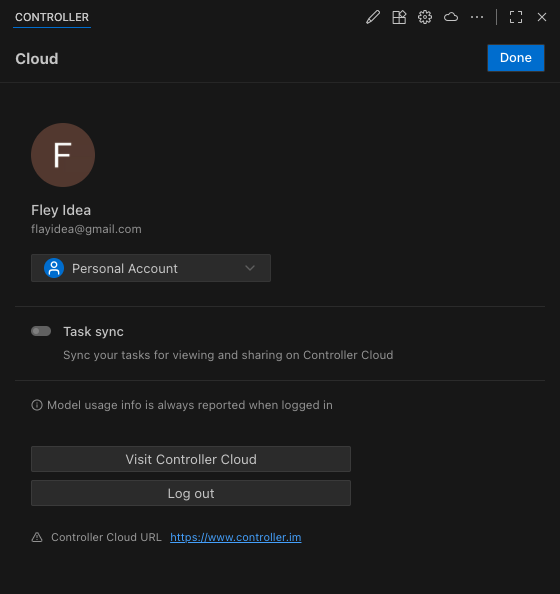
Once logged in, click the cloud icon in the top right corner of the Controller plugin, then click Visit Controller Cloud.
Method 2: Direct Web Access
Navigate directly to the Controller Cloud web application:
This allows you to access your dashboard from any web browser, even when not using the Controller extension.
Dashboard Pages
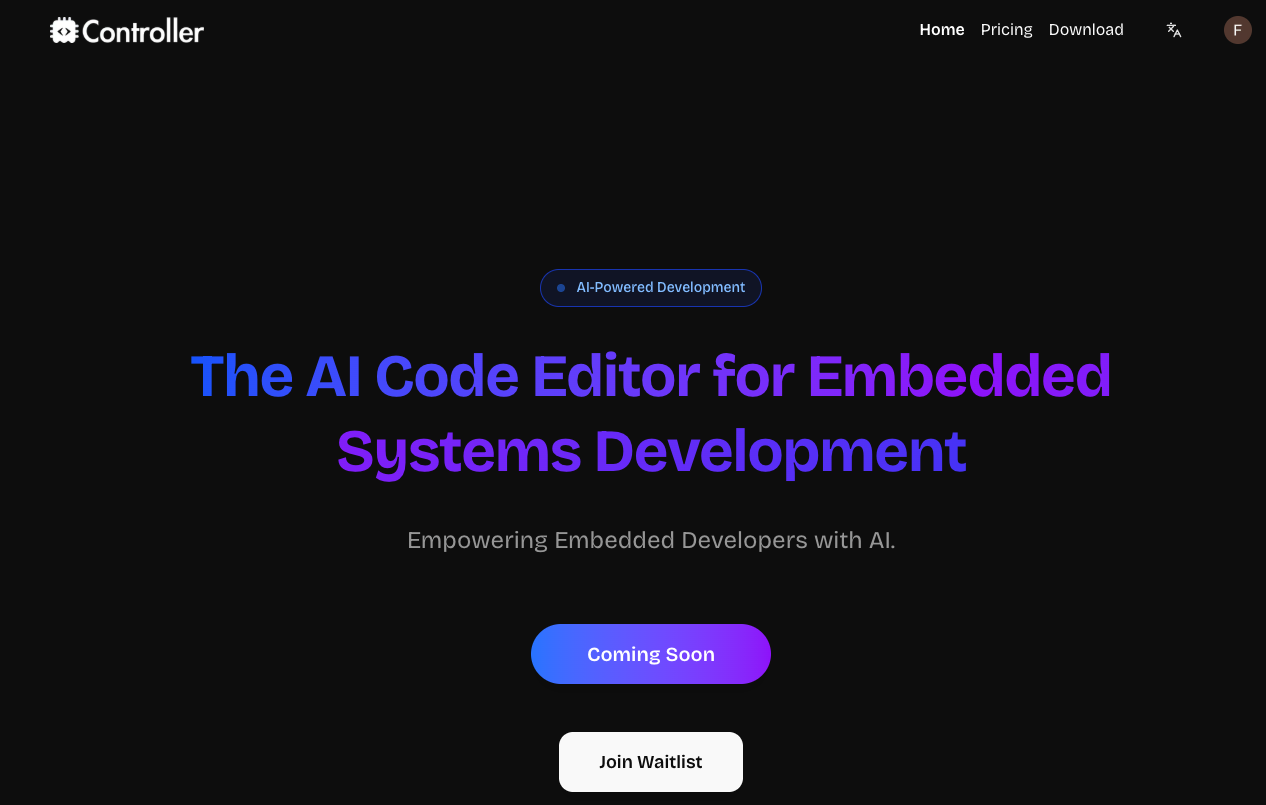
Home Page
Usage Analytics Page
Access detailed usage metrics by clicking the Usage tab in the navigation bar or navigate directly to www.controller.im/usage.
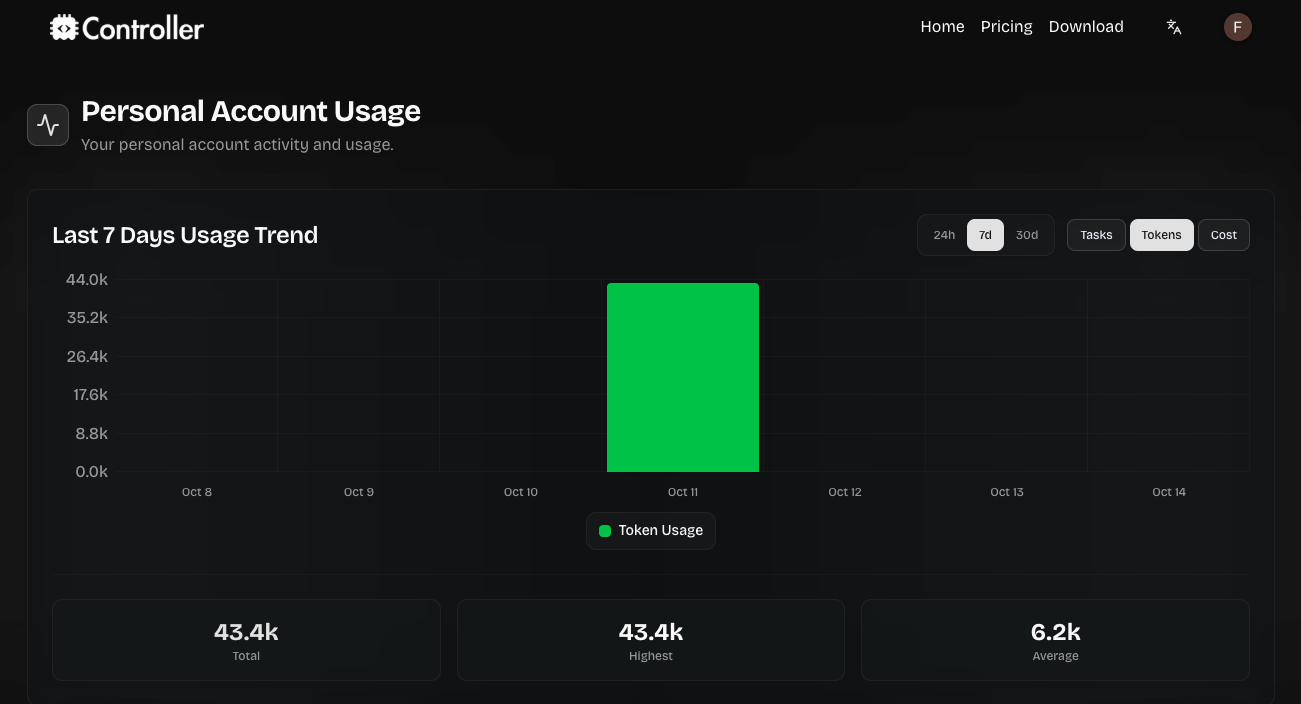
Track tokens, tasks, and estimated cost over selectable ranges (24h–90d) to monitor activity and spend.
Upgrade Page (before subscribing)
Start your subscription from the Upgrade tab or navigate to www.controller.im/pricing.
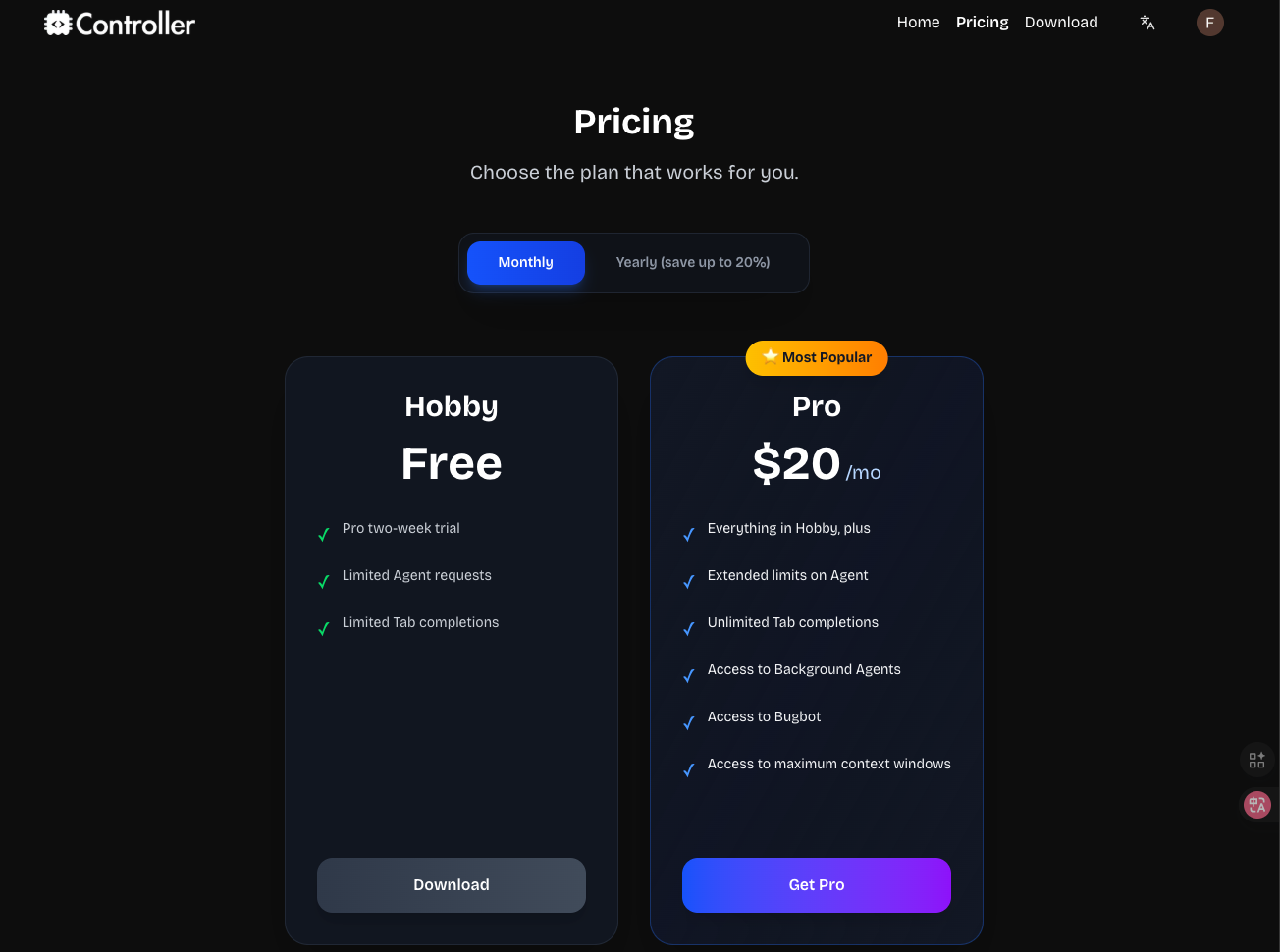
Start a Pro trial from Upgrade.
Billing Page (after subscribing)
After subscribing, the Upgrade tab is replaced by Billing. Manage your plan and access invoices at www.controller.im/dashboard/billing.
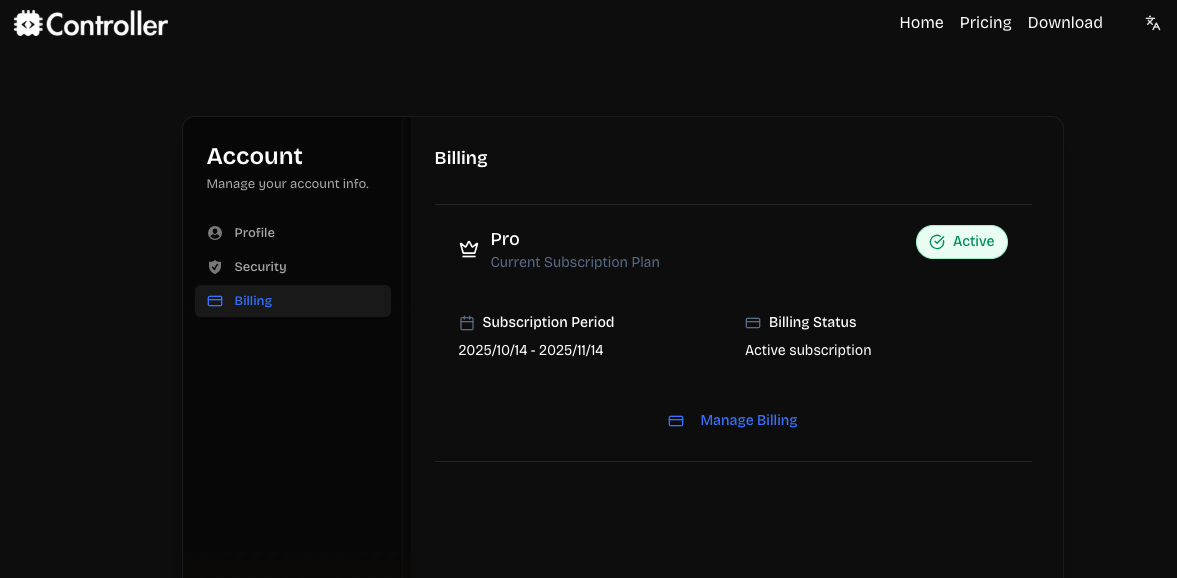
Manage your plan and invoices from Billing.
See the Billing & Subscriptions documentation for complete details.